AIDLC Cheatsheet
Quick reference guide for all five AIDLC phases. Keep this handy as you implement AI-Native Software Delivery.
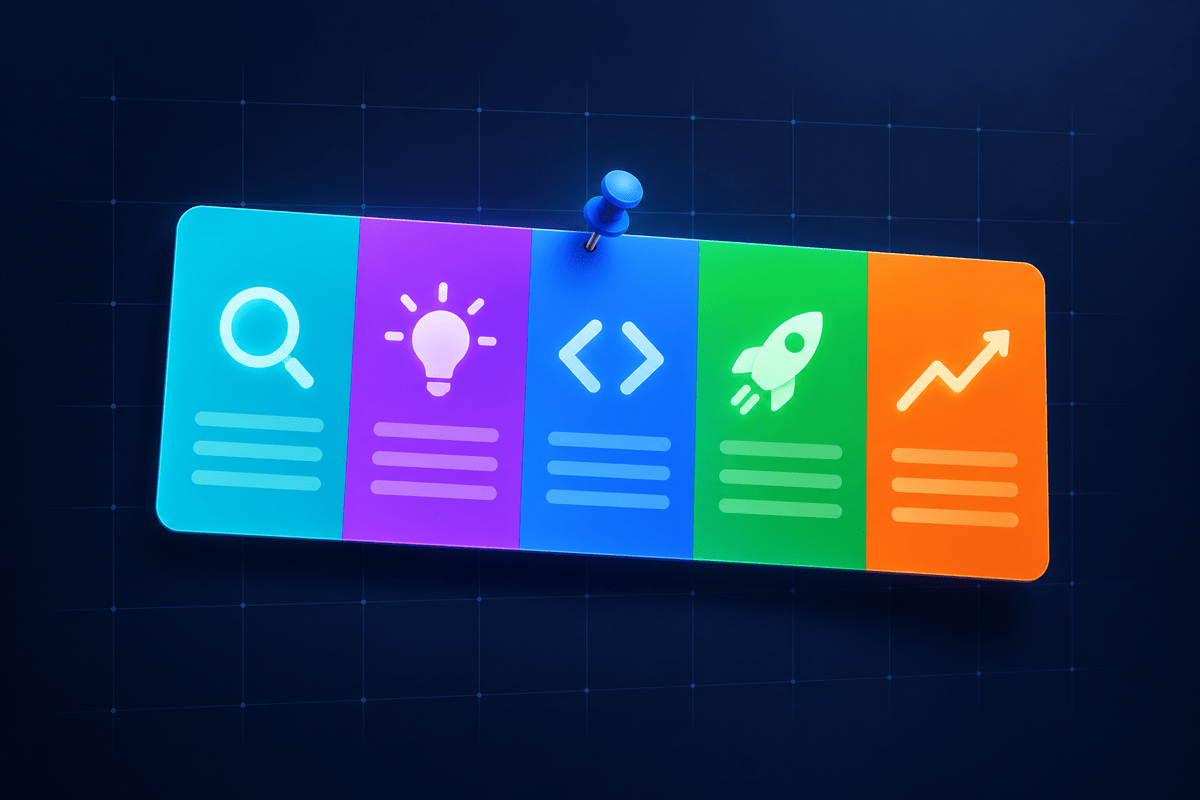
Analyze
Phase 01AI-assisted requirements gathering and research synthesis
Key Activities
- Requirements extraction
- Research synthesis
- Competitive analysis
- Feasibility assessment
Example Prompts
- "Summarize these requirements..."
- "What are the risks of..."
- "Compare approaches for..."
- "What questions should I ask..."
Ideate
Phase 02AI-driven architecture design and documentation generation
Key Activities
- Architecture diagrams
- Design pattern selection
- API contract design
- Technical specifications
Example Prompts
- "Design an architecture for..."
- "Generate a Mermaid diagram..."
- "What patterns fit this..."
- "Write a technical spec for..."
Develop
Phase 03AI coding agents and intelligent code generation
Key Activities
- Delegate scoped tasks to agents
- Review agent diffs
- Refactoring assistance
- Bug identification
Example Prompts
- "Implement this function..."
- "Review this code for..."
- "Refactor to use..."
- "Why is this failing..."
Launch
Phase 04AI-generated tests and deployment automation
Key Activities
- Test generation
- CI/CD configuration
- Deployment scripts
- Release validation
Example Prompts
- "Generate tests for..."
- "Create a CI pipeline..."
- "Write deployment script..."
- "What should I test before..."
Curate
Phase 05AI-powered monitoring and continuous improvement
Key Activities
- Log analysis
- Root cause analysis
- Performance optimization
- Documentation updates
Example Prompts
- "Analyze these logs..."
- "What caused this error..."
- "How can I optimize..."
- "Update docs to reflect..."
At a Glance
| Phase | Focus | AI Role | Output |
|---|---|---|---|
| Analyze | Requirements | Research assistant | Specs, analysis docs |
| Ideate | Design | Architect partner | Diagrams, specs |
| Develop | Code | Coding agent | Working code |
| Launch | Deploy | QA engineer | Tests, pipelines |
| Curate | Maintain | SRE assistant | Fixes, updates |
Ten Rules for AI in the SDLC
The operating model in ten sentences.
- AI in the SDLC is an operating model change, not a tooling purchase.
- Authoring is cheap. Verification is the constraint.
- Individual output is not organizational throughput.
- Governance before scale.
- Baseline before adoption.
- Measure outcomes, not activity.
- Humans own merges.
- The bar for AI-authored code is the bar for human code, applied with more suspicion.
- Agents are services.
- The compounding asset is your context, not the model.
Do's
- Provide context in every prompt
- Review all AI-generated code
- Iterate on prompts for better results
- Document AI-assisted decisions
- Start with one phase, expand gradually
Don'ts
- Blindly accept AI output
- Skip security reviews
- Expect AI to understand without context
- Replace human judgment entirely
- Try to implement all phases at once
What Good Looks Like
Signs your team is getting AIDLC right - qualities to aim for, not benchmark promises.
Less time on boilerplate
More of your day goes to design and review, less to repetitive typing.
Tests written by default
Coverage stops being the thing that gets cut when deadlines loom.
Docs that stay current
Documentation tracks the code instead of rotting behind it.
Humans own the review
Every agent diff is read and understood before it ships.
Frequently Asked Questions
Yes! The cheatsheet is designed to be printer-friendly. Use your browser's print function to create a physical reference you can keep at your desk.
Each phase has specific prompts: Analyze uses research and requirements prompts, Ideate uses architecture and design prompts, Develop uses code generation prompts, Launch uses testing and deployment prompts, and Curate uses monitoring and documentation prompts.