Learn AIDLC
Master the AI Development Life Cycle with comprehensive training materials, real-world examples, and best practices for implementing AI-Native Software Delivery.
What is AIDLC?
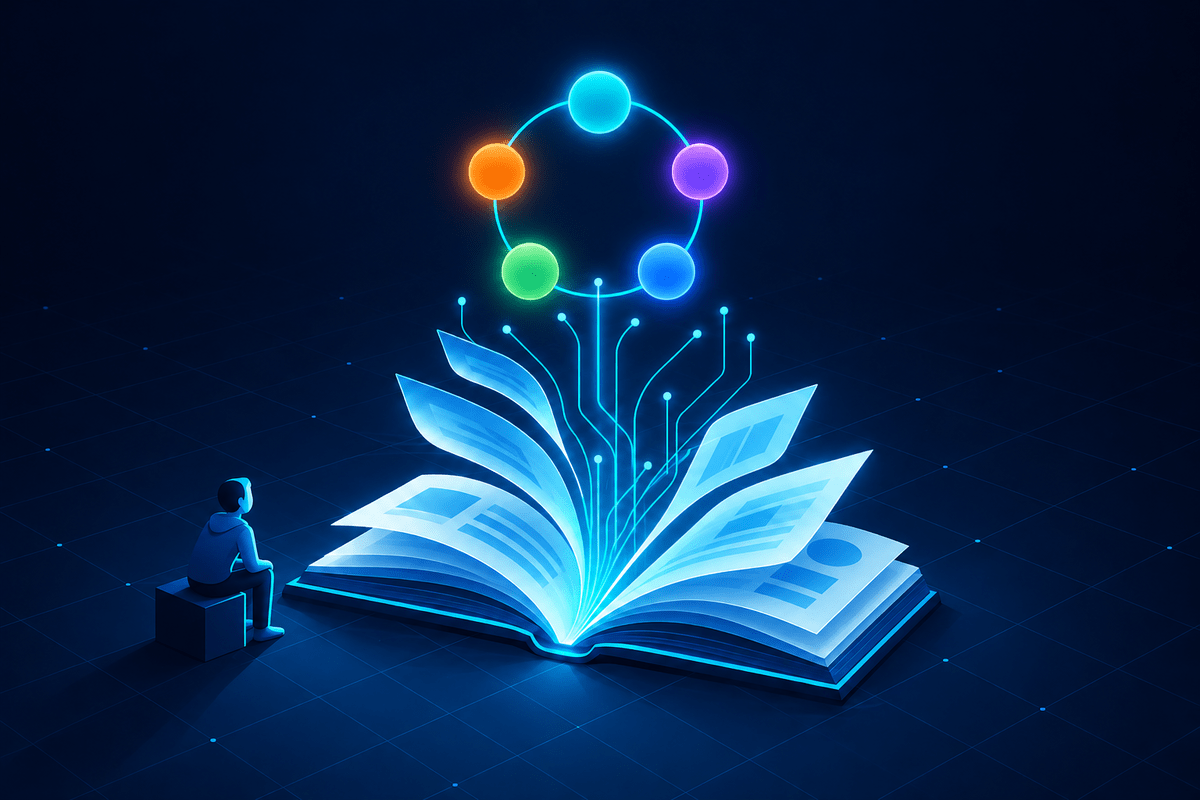
AIDLC (AI Development Life Cycle) represents a fundamental shift in how we approach software development. Rather than treating AI as a tool you occasionally use, AIDLC integrates AI as a constant collaborator throughout every phase of development.
The framework consists of five interconnected phases:
- Analyze - AI-assisted requirements and research
- Ideate - AI-driven design and architecture
- Develop - AI coding agents and code generation
- Launch - AI-powered testing and deployment
- Curate - AI-enhanced monitoring and maintenance
Each phase builds on the previous, creating a continuous cycle of improvement where AI helps at every step.
How AI shows up in those phases has changed. There are three modes, and AIDLC spans all of them: assistant (you prompt, it answers - chat and autocomplete), agent (you scope a task and it plans and executes multiple steps, then hands you a diff to review), and multi-agent (several agents work in parallel under your direction). The shift from assistant to agent is the defining change in AI development - and it makes the human's review and context-setting more important, not less.
Getting Started
Mindset Shift
Stop thinking of AI as a tool you use occasionally. Start treating it as a team member who's always available. This mental shift is the foundation of AIDLC.
Pick One Phase
Don't try to implement all five phases at once. Start with the phase where you see the most friction in your current workflow. Most teams start with Develop or Launch.
Iterate & Expand
Once you're comfortable with one phase, gradually add others. Document what works for your team. AIDLC is a framework, not a rigid prescription.
Want to see the whole cycle before you start? The worked example takes one feature from a customer request through all five phases and shows the artifact each phase hands to the next.
Deep Dive: The Five Phases
Analyze Phase
AI-Assisted Requirements & Research
The Analyze phase transforms how you gather and process information before development begins. Instead of manually reading through documentation and stakeholder inputs, AI helps synthesize large volumes of information quickly.
Key Activities:
- Requirements extraction from stakeholder conversations
- Research synthesis across multiple sources
- Competitive analysis and market research
- Feasibility assessment and risk identification
- Gap analysis in existing documentation
Ideate Phase
AI-Driven Design & Architecture
The Ideate phase leverages AI to explore multiple design approaches quickly. Rather than settling on the first architecture that comes to mind, AI helps you evaluate alternatives and document decisions.
Key Activities:
- Architecture diagram generation
- Design pattern recommendations
- API contract definition
- Database schema design
- Technical specification writing
Develop Phase
AI Coding Agents & Code Generation
The Develop phase is where AI does the most visible work. It has moved beyond autocomplete: you scope a task, a coding agent plans and executes it across multiple files, and you review the diff. Your job shifts from typing every line to giving good context, steering the agent, and owning the review.
Key Activities:
- Delegating scoped tasks to coding agents
- Reviewing and steering agent-generated diffs
- Real-time code generation and completion
- Refactoring, bug fixing, and code explanation
- Connecting agents to your tools and context via MCP
Launch Phase
AI-Powered Testing & Deployment
The Launch phase reduces the friction between writing code and getting it to production. AI generates comprehensive tests, configures CI/CD pipelines, and validates releases.
Key Activities:
- Test case generation (unit, integration, E2E)
- CI/CD pipeline configuration
- Deployment script generation
- Release validation and smoke testing
- Rollback plan creation
Curate Phase
AI-Enhanced Monitoring & Maintenance
The Curate phase ensures your software remains healthy after launch. AI helps monitor, debug, and continuously improve the system while keeping documentation current.
Key Activities:
- Intelligent log analysis and alerting
- Root cause analysis for incidents
- Performance optimization recommendations
- Documentation updates as code evolves
- Technical debt identification
Best Practices
Do: Provide Context
Always give AI the context it needs. Share your codebase structure, coding standards, and project requirements. The more context AI has, the better its suggestions.
Don't: Blindly Accept Output
Always review AI-generated code. Treat it like code from a junior developer - helpful but needs verification. You're responsible for the final quality.
Do: Iterate on Prompts
If the first response isn't what you need, refine your prompt. Be more specific, provide examples, or break the task into smaller pieces.
Don't: Skip Human Review
AI can miss edge cases, introduce subtle bugs, or make assumptions that don't fit your needs. Human code review remains essential.
Do: Document AI Decisions
When AI helps make architecture decisions, document the reasoning. Future team members need to understand why choices were made.
Don't: Ignore Security
AI may generate code with security vulnerabilities. Always run security scans and review AI code for common issues like injection attacks.
Go Further: The Operating Model
The five phases above describe the workflow: what AI does at each stage of building software. The Playbook describes how an organization adopts that workflow safely - governance before scale, review that holds up at agent volume, agents running as identities in CI, the metrics that separate real gains from busywork, and the cost model behind it.
Tools & Setup
AIDLC is tool-agnostic. Here are some popular options for each phase - increasingly connected to your own systems through MCP (the Model Context Protocol). For a deeper look at the agentic tool landscape, see the AI Agents & Tools guide.
| Phase | Recommended Tools | Purpose |
|---|---|---|
| Analyze | Claude, ChatGPT, Perplexity, Gemini Notebook | Research, requirements extraction |
| Ideate | Claude, Gemini, Mermaid, Excalidraw | Architecture, diagrams, specs |
| Develop | Claude Code, Cursor, Copilot, Codex | Agentic coding, review, refactoring |
| Launch | Claude Code, GitHub Actions, Codex | Test generation, CI/CD config |
| Curate | Claude, Datadog, Sentry, Grafana | Monitoring, debugging, docs |
Frequently Asked Questions
The basic concepts can be understood in a few hours. Implementing AIDLC effectively typically takes 2-4 weeks as your team builds confidence using AI at each phase of development.
No prior AI experience is required. AIDLC teaches you how to effectively collaborate with AI tools as part of your development workflow. The framework is designed for developers at all experience levels.
Ready to Practice?
Grab the cheatsheet for quick reference as you implement AIDLC in your projects.
Get the Cheatsheet